
A real test bench,
driven by your agent.
On every project, we deliver a hub: the MCP server that builds, flashes, measures and tests on the benches. Connect your agent to the lab’s hub, or try the simulated bench in your browser.
- Agent
- MCP hub
- Bench
- Measurements and tests
The lab is under maintenance: the simulation works, sharing and the queue are paused.
From your agent
Connect your agent to the lab’s MCP server: it opens a session on a simulated bench, pushes its code, reads the simulation and the test results, and chooses who can watch. The simulation runs in your browser: open the link the agent gives you and follow its work live.
The VS Code extension
The lab’s MCP server, ready for Copilot’s Agent mode and for Claude Code. The Picodev Lab view (session, challenge, tests), the sketch pushed on each save, and the Lab panel beside your code.
Search for “Picodev Lab” in the extensions, on the Visual Studio Marketplace or on Open VSX for VSCodium, Cursor and Windsurf. Or from the command line:
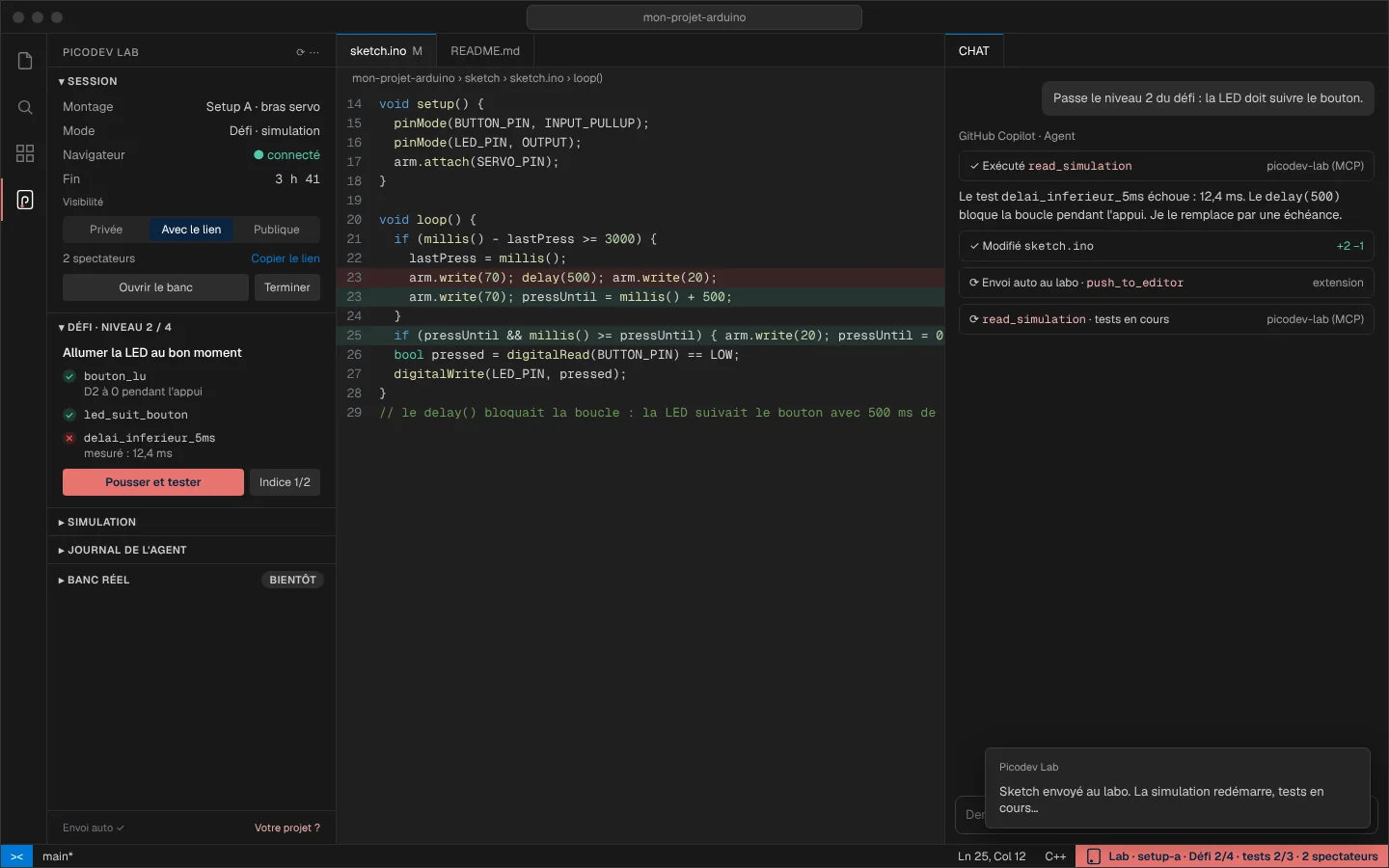
The Claude Code plugin
The /lab command opens a session and guides you, then /lab-defi, /lab-partage… The sketch goes to the lab on each change, and the “Lab” panel follows the session, the challenge and the simulation beside the conversation.
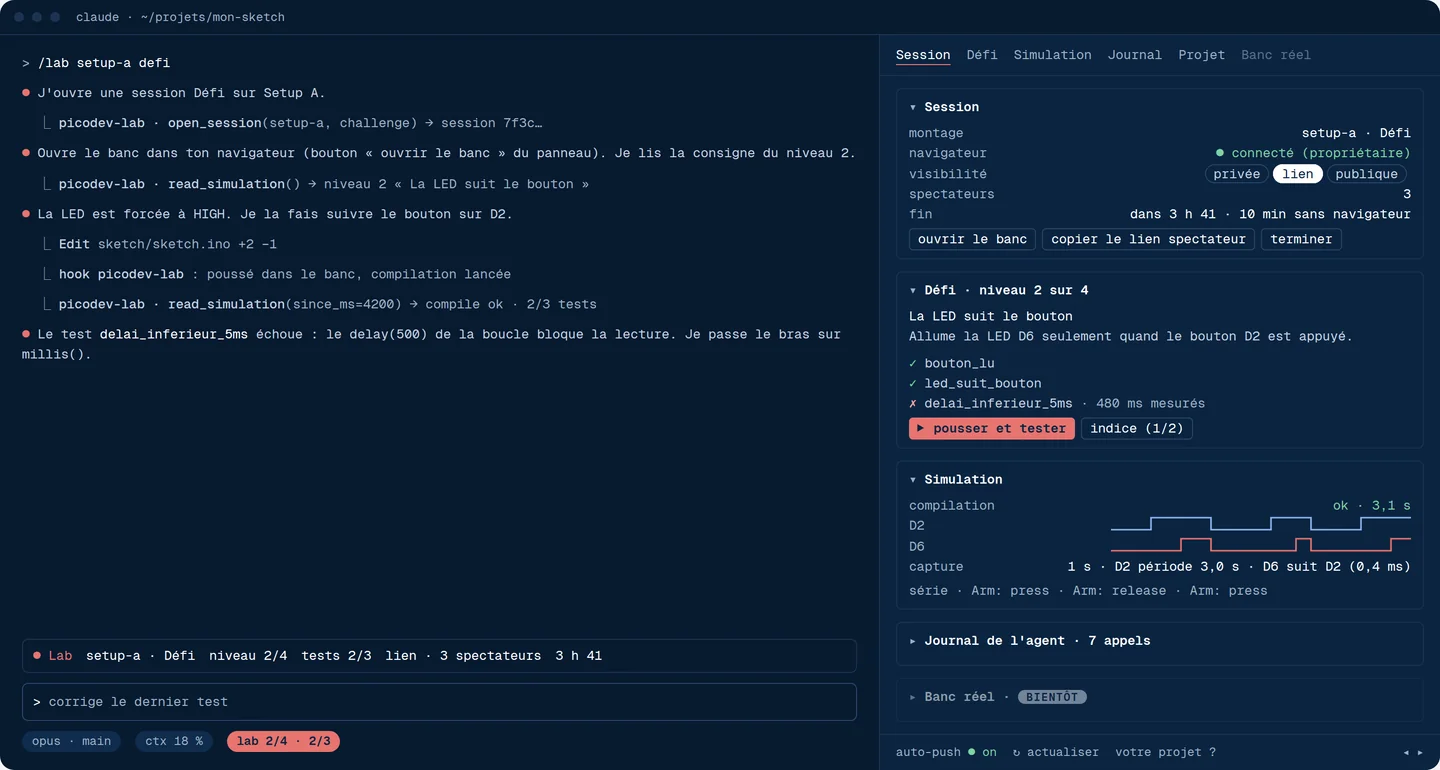
Any MCP client
OpenCode, Cursor, Codex… Declare the lab’s MCP server: HTTP transport, no account. You get the lab’s tools.
Public sessions
live, read-onlyNo public session right now.
Free
The bench is yours for the session, no goal. Oscilloscope and logic analyzer included.
Challenge
The same interface, with a goal and levels.